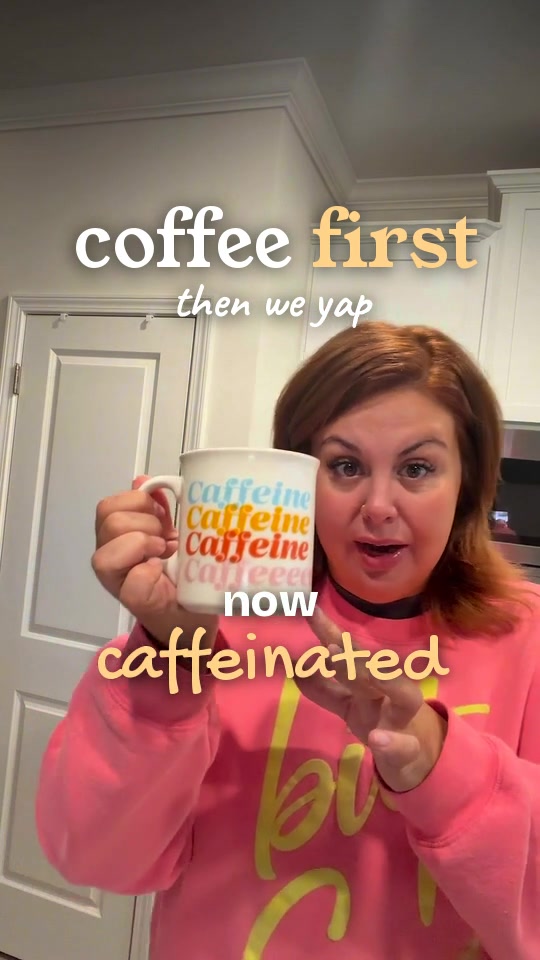
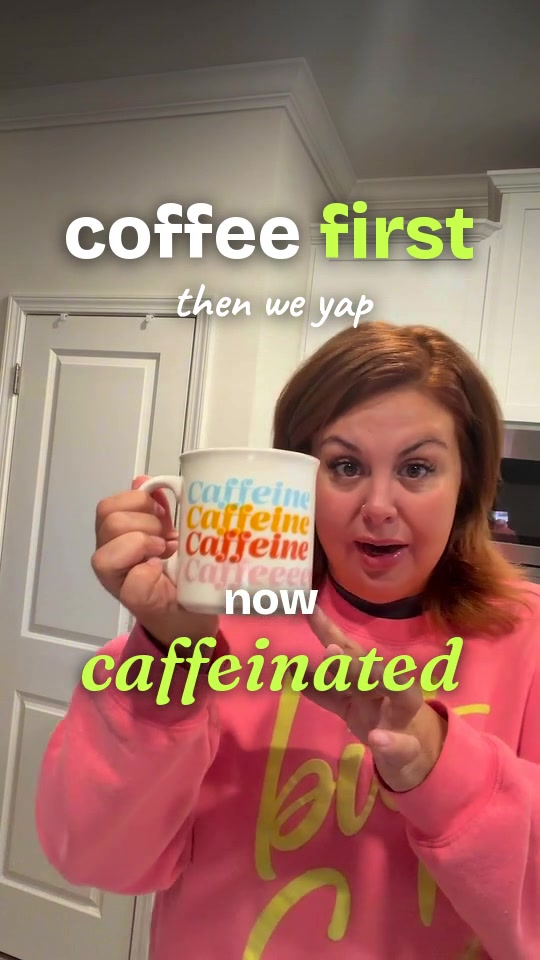
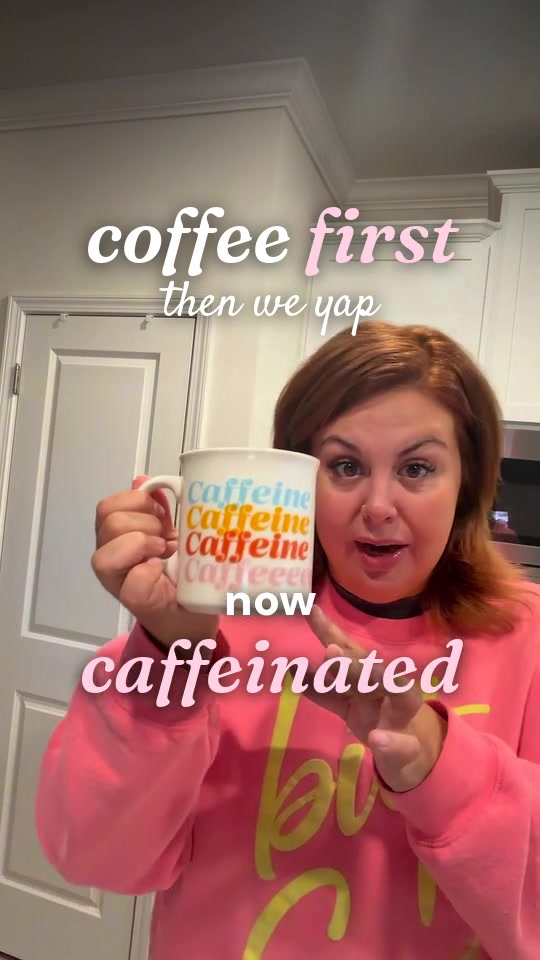
How Yapper edits your footage:Cuts dead air, highlights the product when you mention it, and keeps your review natural and trustworthy.
Camera Setup & Light CheckTap to expand
Phone at eye level. Leave clean headroom and space beside you to showcase the item.
- Clean the camera lens with a soft cloth before recording.
- Use vertical 9:16 framing. Keep key action inside the center safe area.
- Check focus and lighting first. Avoid bright windows directly behind you.
- Leave a short 1-second pause at the start and end of each take.
- Speak naturally. Yapper removes awkward pauses and tightens dead air automatically.
Mobile 9:16 Safe Zone Reminder:
Keep your face and products in the center of the frame. Leave the bottom 320px clear for shopping buttons and captions, and the right 120px clear for platform icons.